
Page navigation
Building a flow from scratch
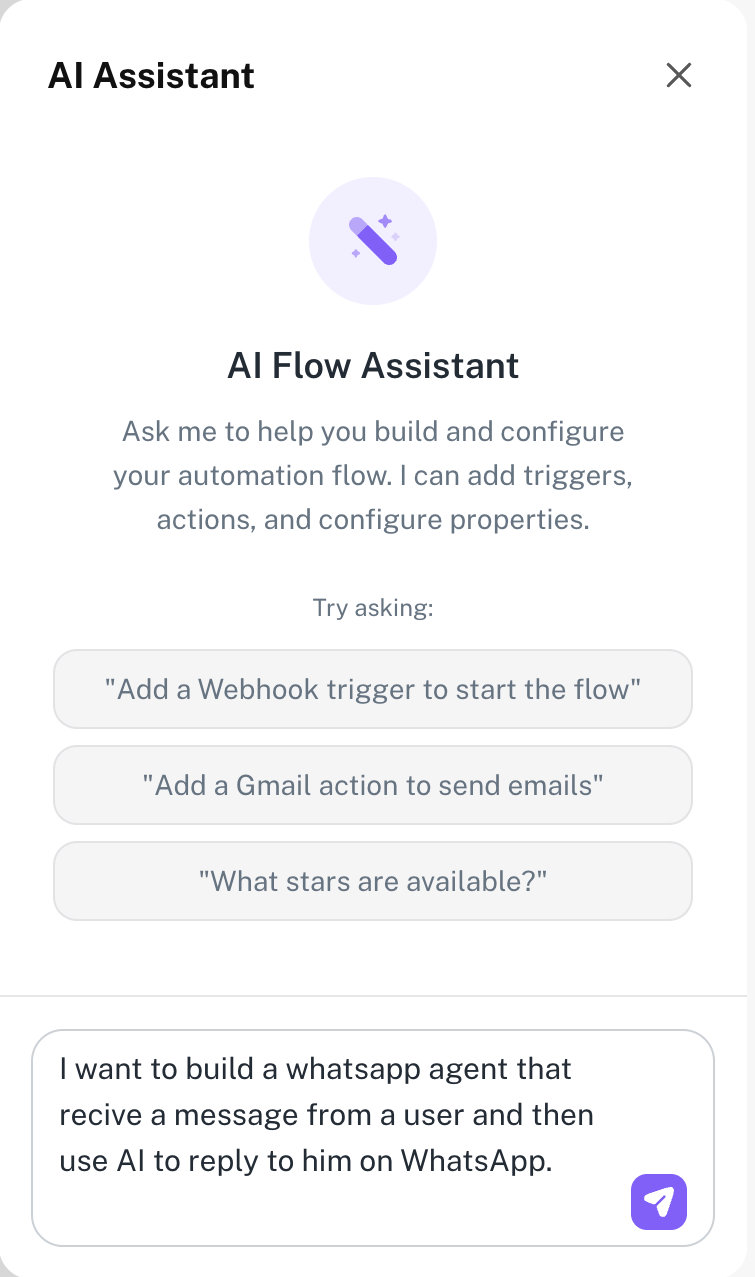
The AI assistant is built into every flow. Whether you are starting from scratch or improving something you have already built, it is there to help — just describe what you want in plain language.
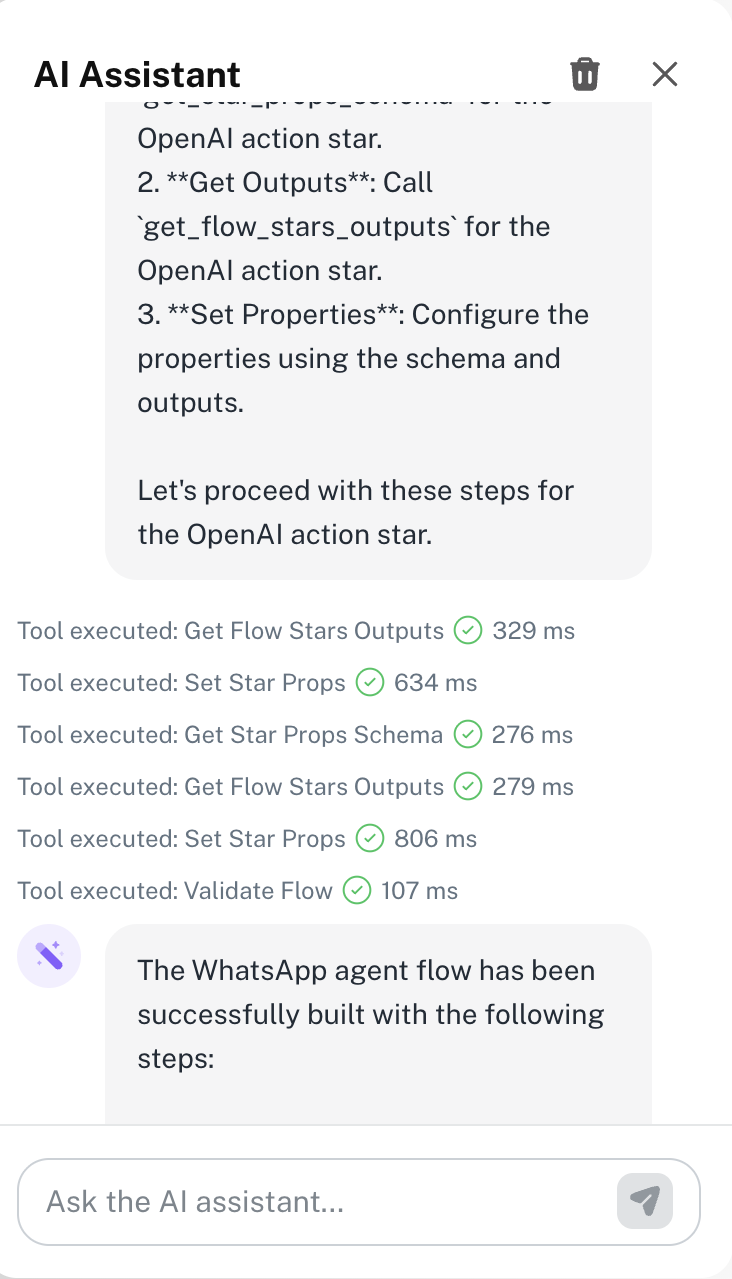
Open a new flow and describe your automation in the chat panel. The assistant will generate a complete flow — trigger, actions, and any logic it thinks you will need — based on your description.
You stay in control — review what the assistant built, make changes, and add it to your canvas when you are happy with it.
Improving an existing flow
Already have a flow? Open it and ask the assistant to help. You can ask it to add a step, change the logic, explain what a star does, or suggest a better way to structure things.
It understands the context of your current flow, so you do not need to re-explain what you have built — just describe what you want to change.
You can ask the assistant things like Why does this step fail sometimes? or Add a condition that skips this action on weekends — it reads your flow and responds in context.