
Page navigation
Creating a flow
A flow is an automation — a sequence of steps that runs automatically when something happens. You define what triggers it, what it does, and Nova handles the rest.
There are two ways to start a new flow in Nova. You can build from scratch — open the flow builder, add your first Star as the trigger, and build step by step from there. Every Star has a simple configuration panel on the side where you fill in what you need.
Or use the AI assistant — describe what you want to automate in plain language and the assistant will build an initial flow for you. You can then review, adjust, and save it.
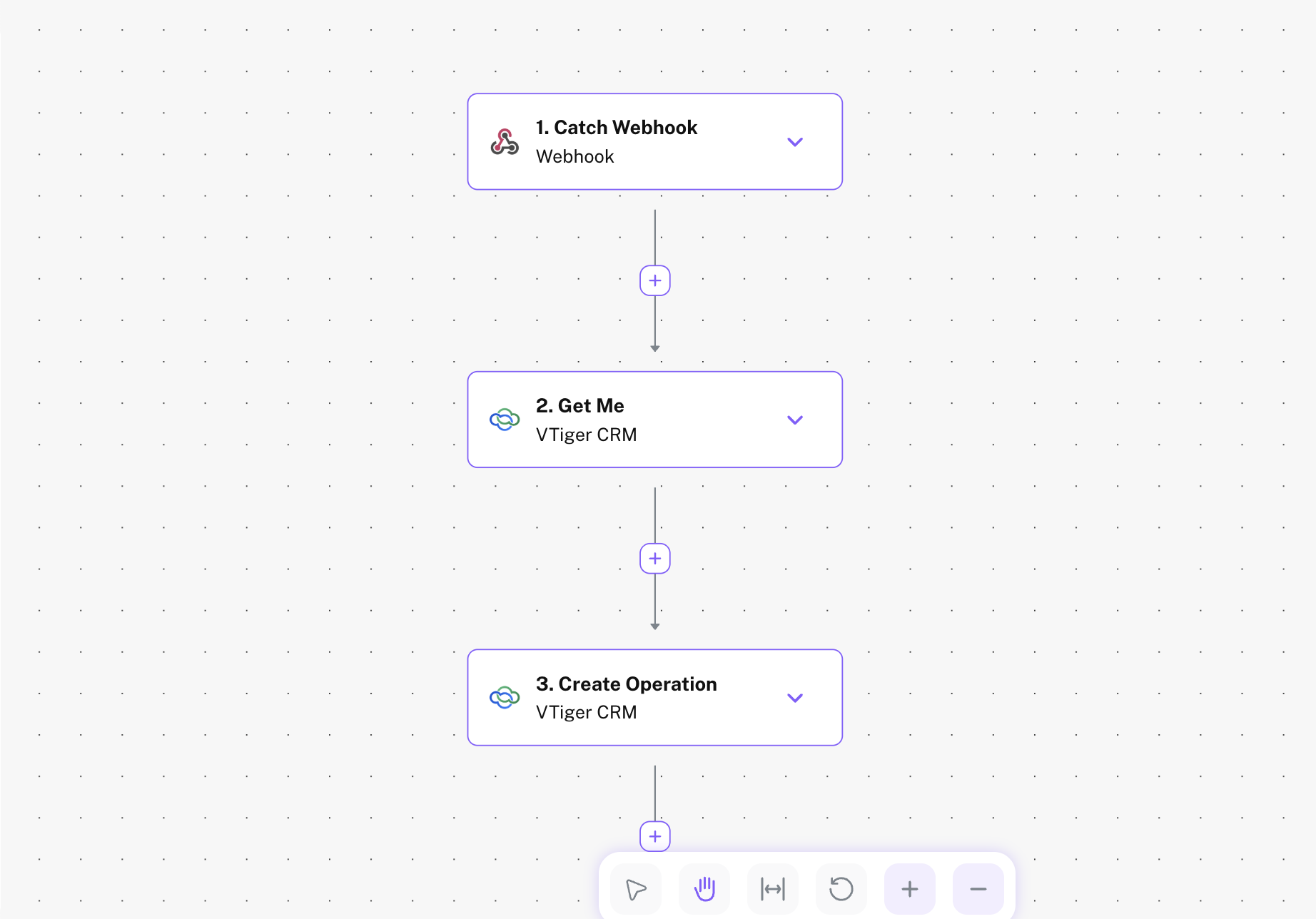
Every flow starts with exactly one trigger — the event that kicks things off — followed by one or more actions that run in order.
Organizing flows in folders
As your automations grow, folders keep things clean. You can create a folder for each team, project, or topic — like Marketing, Operations, or Customer Support — and move any flow into it.
To add a flow to a folder: when creating or editing a flow, select the folder from the top bar. You can also drag flows into folders from the main dashboard.
Activating a flow
A flow only runs when it is active. While you are building and testing, flows stay in draft mode and nothing runs automatically. Once you are ready, hit Activate and Nova will start listening for the trigger. You can deactivate a flow at any time without deleting it.
| Status | Mode | Behavior |
|---|---|---|
| Draft | Building | Flow will not run. Safe to edit and test freely. |
| Active | Running | Flow is live and will trigger automatically. |
| Inactive | Paused | Saved but will not trigger until reactivated. |