Page navigation
Flows overview
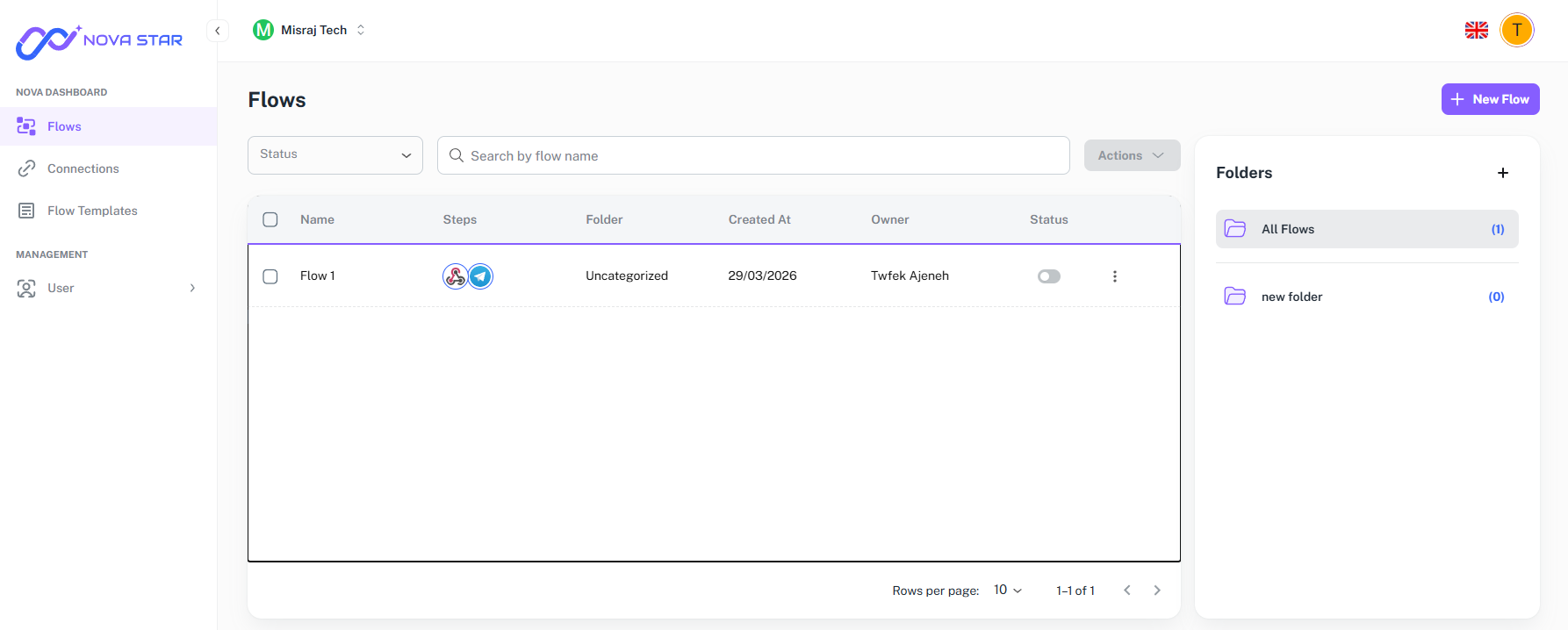
Your dashboard is the home base for everything in Nova — your flows, your team, and your account settings.
The main view shows all your flows and folders. You can see at a glance which flows are active, search by name, and open any flow straight into the builder.
Inviting your team
You can invite other people to your workspace so they can create and manage flows alongside you. Each person gets their own login and you control what they can access.
Managing connections
Connections are the linked accounts your flows use — things like Gmail, Slack, or Notion. You set them up once in the dashboard and they are available to any flow you build.
If a connection breaks, say a password changes, Nova will flag it and you can reconnect from the same place without touching your flows.
Billing
The billing section shows your current plan, usage, and payment details. You can upgrade, change plans, or update your payment method from here at any time.
Owners have full access. Editors can build and edit flows. Viewers can see runs and history but cannot make changes.