Page navigation
On this page
Reading a run
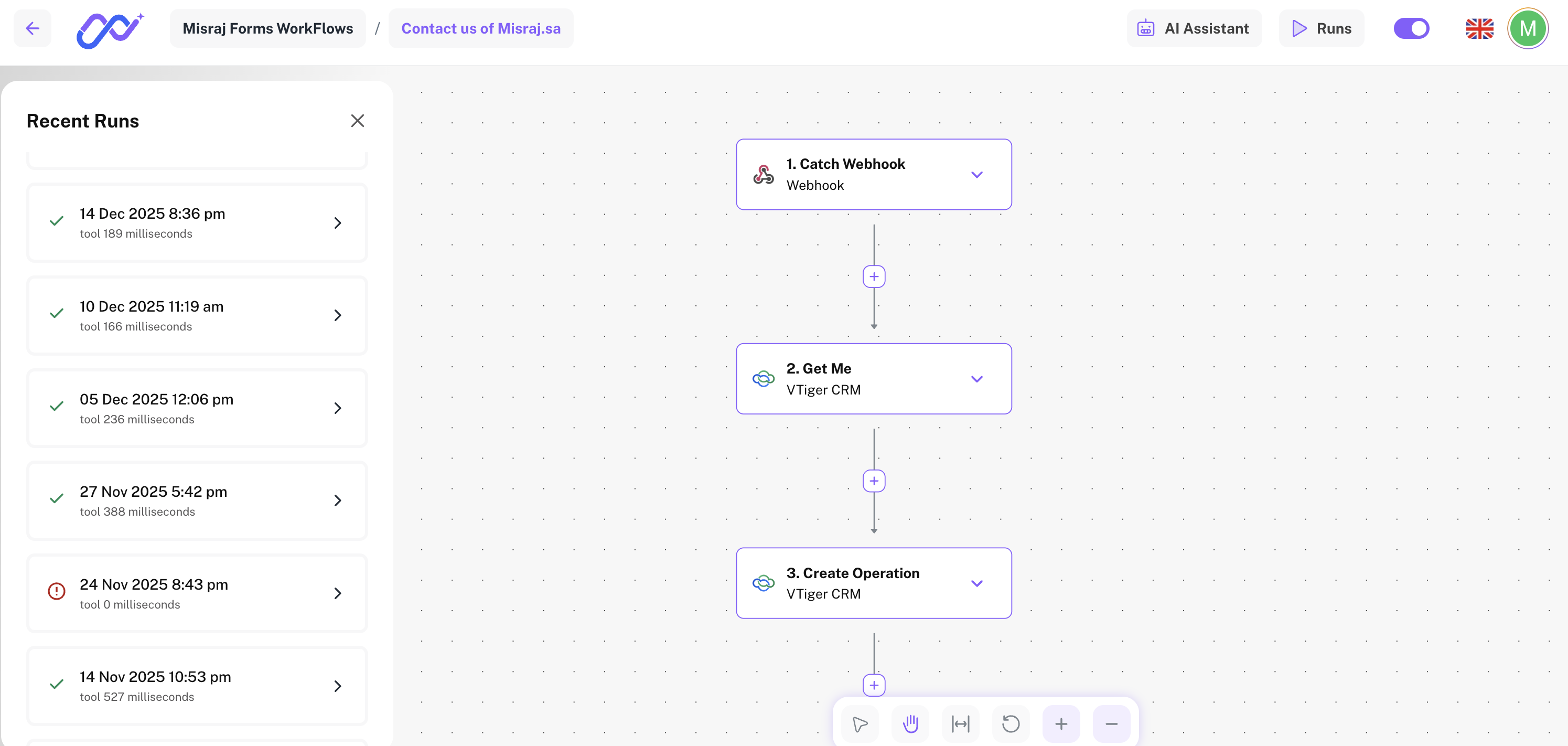
Every time a flow runs, Nova saves a record of it. Run history is where you go to see what happened, catch problems, and understand how your automations are performing.
Each entry in the history shows you when the flow ran, how long it took, and whether it succeeded or failed. Click any run to open the full detail view.
| Flow | Date | Duration | Status |
|---|---|---|---|
| Send weekly report | Today, 9:00 AM | 1.2s | ✅ Success |
| New lead to CRM | Today, 8:47 AM | 0.8s | ✅ Success |
| Sync contacts | Yesterday, 6:00 PM | 3.1s | ❌ Failed |
| Slack alert on signup | Yesterday, 6:00 PM | 0.5s | ✅ Success |
When a run fails
If a run failed, click it to see exactly which star caused the problem and what went wrong. Nova shows you the input that star received, the error it returned, and enough context to fix it quickly.
You do not have to guess — the detail view highlights the broken step directly on the canvas so you can open its configuration and make the fix immediately.

You can ask the assistant things like Why does this step fail sometimes? or Add a condition that skips this action on weekends — it reads your flow and responds in context.